SMM Panel Kaise Banaye 2026 | Rental Setup & API
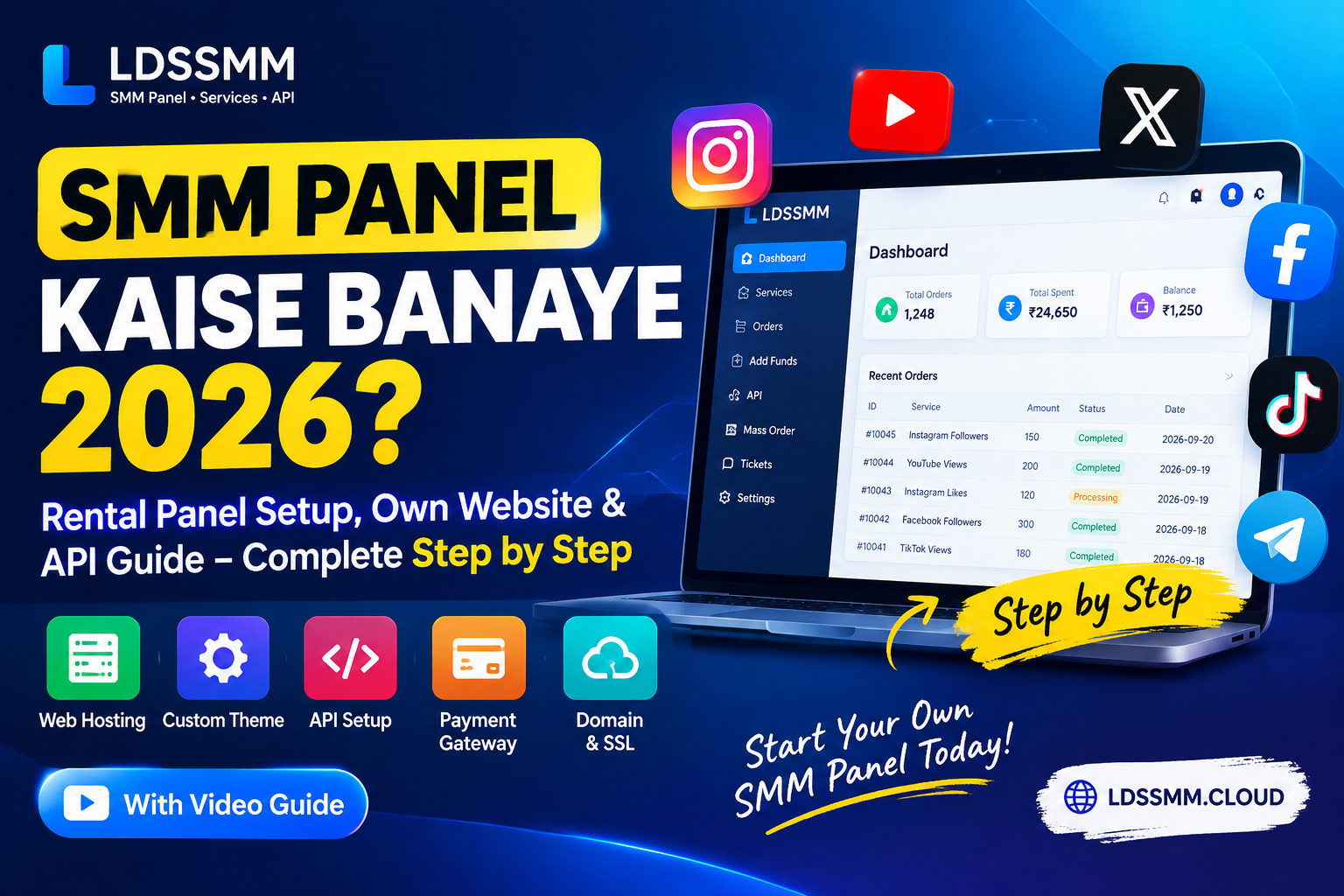
SMM Panel Kaise Banaye 2026? Rental Setup, Website & API Complete Guide
Agar aap 2026 mein apna SMM Panel business start karna chahte hain, to aapko sirf ek website ki zarurat nahi hoti. SMM panel setup ke liye website, hosting, theme, services, API connection, payment system, admin panel aur customer management jaise important parts ko properly configure karna hota hai.
Is guide mein hum step-by-step samjhenge ki SMM Panel kaise banaye, rental SMM Panel setup kaise kare, services kaise add/update kare, payment setup kaise kare aur API integration kaise use kare.
SMM Panel Banane Ke Liye Kya-Kya Chahiye?
SMM Panel start karne se pehle kuch basic cheezein ready honi chahiye:
- Domain Name
- Hosting / Server
- SMM Panel Script or Rental Panel
- Professional Panel Theme
- Social Media Services
- API Integration
- Payment Method
- Admin Panel
- Customer Support System
Agar aap technical setup khud nahi karna chahte, to rental SMM Panel ek practical option ho sakta hai. Ismein aapko zero se complete panel develop karne ke बजाय ready panel setup mil sakta hai aur aap apne customers ko services provide kar sakte hain.
SMM Panel Kaise Banaye? Complete Step-by-Step Video Guide
Agar aap practical video ke through SMM Panel setup samajhna chahte hain, to neeche complete step-by-step tutorial diya gaya hai.
SMM Panel Kaise Banaye? Complete Step-by-Step Guide 2026
Rental SMM Panel Kya Hai?
Rental SMM Panel mein aapko ek ready-to-use SMM Panel setup milta hai jise aap apne SMM business ke liye use kar sakte hain. Is option ka main advantage ye hai ki aapko panel development aur basic technical setup mein comparatively kam time dena padta hai.
LDSSMM par different requirements aur order volume ke according multiple rental plans available hain. Aap apne business size ke according Starter, Premium, Business ya Economy plan choose kar sakte hain.
LDSSMM Rental SMM Panel Plans
Neeche available rental plans ko simple format mein explain kiya gaya hai, taaki aap apne SMM Panel business ke requirement ke according plan samajh saken.
Starter Panel – ₹599/month
Starter Panel un users ke liye designed hai jo apna SMM Panel business start kar rahe hain aur initial stage par limited order volume ke saath kaam karna chahte hain.
- Price: ₹599/month
- Orders: 0–1,000 orders
- API: Unlimited API
- Hosting: Shared Hosting
- Themes: 7 Themes
- Support: Normal Support
- Backup: Daily Backup
- Updates: Weekly Update
Agar aap testing, learning ya initial customer base ke saath SMM Panel business start karna chahte hain, to ye entry-level rental option hai.
Premium Plan – ₹1,199/month
Premium Plan un resellers ke liye hai jo Starter level se aage badh rahe hain aur apne panel par higher order volume handle karna chahte hain.
- Price: ₹1,199/month
- Orders: 1,000–5,000 orders
- API: Unlimited API
- Hosting: Premium Hosting
- Themes: 15+ Themes
- Support: 24×7 Support
- Backup: Daily Backup
- Updates: Weekly Update
Is plan mein additional themes, better hosting aur 24×7 support ke saath growing reseller business ke liye higher capacity milti hai.
Business Plan – ₹3,000/month
Business Plan established SMM businesses aur un resellers ke liye designed hai jahan regular customer orders aur higher order volume handle karna hota hai.
- Price: ₹3,000/month
- Orders: 5,000–15,000 orders
- API: Unlimited API
- Hosting: Business Hosting
- Themes: 20+ Themes
- Support: 24×7 Priority Support
- Backup: Daily Backup
- Updates: Weekly Update
- SEO: On-Page SEO
- Security: DDoS Protection
Business Plan ka focus sirf higher order capacity par nahi hai. Is plan mein Business Hosting, 20+ themes, priority support, on-page SEO aur DDoS Protection jaise additional features bhi included hain.
Agar aapka SMM Panel already regular orders receive kar raha hai aur aapko better infrastructure, support aur additional website features chahiye, to Business Plan ki features list ko apni requirements ke saath compare karna useful rahega.
Economy Plan – ₹6,000/month
Economy Plan high-volume SMM Panel businesses ke liye complete rental solution ke roop mein designed hai. Is plan mein unlimited orders ke saath VPS server aur additional business features included hain.
- Price: ₹6,000/month
- Orders: Unlimited Orders
- API: Unlimited API
- Server: VPS Server
- Themes: All Themes
- Support: 24×7 Priority Support
- Backup: Daily Backup
- Updates: Weekly Update
- SEO: On-Page SEO
- Security: DDoS Protection
- Domain: Free .online Domain
- Email: Business Email & SMTP
High-volume panel operations ke liye VPS Server, unlimited orders, all themes, priority support, SEO, DDoS Protection aur business email/SMTP jaise features ko ek hi plan mein include kiya gaya hai.
Rental SMM Panel Mein Service Kaise Add Aur Update Kare?
Panel setup ke baad sabse important kaam services ko manage karna hota hai. Admin Panel se aap available services ko add, update aur manage kar sakte hain.
Agar aapko service add ya update karne ka practical process dekhna hai, to ye tutorial useful rahega:
How To Use SMM Admin Panel | How To Add Service | How To Update Service
SMM Panel Mein Payment Method Kaise Add Kare?
SMM Panel business mein customers ke liye convenient payment option hona important hai. Aap apne panel ke available payment configuration ke according payment method setup kar sakte hain.
BharatPe QR Code setup ka practical example dekhne ke liye neeche tutorial diya gaya hai.
SMM Panel Me BharatPe QR Code Kaise Add Kare 2026
SMM Panel API Integration Kaise Kare?
API SMM Panel business ka important part hai, especially jab aapko external applications, reseller systems ya automated order systems ke saath services connect karni hoti hain.
LDSSMM ki API documentation mein API URL, service list, new order, order status aur balance jaise API actions ke parameters explain kiye gaye hain. Official API documentation:
LDSSMM SMM Panel API Documentation
Official API endpoint: https://ldssmm.cloud/api/v2
API documentation ke according API requests JSON response format ke saath POST method use karti hain. API key ko private rakhna bhi important hai aur use public client-side JavaScript ya public repositories mein expose nahi karna chahiye.
Google Login Integration Kaise Kare?
Agar aap apne SMM Panel mein Google Login add karna chahte hain, to OAuth 2.0, Client ID aur redirect configuration jaise steps ko correctly configure karna hota hai.
Is setup aur common 400 error troubleshooting ke liye ye complete tutorial dekhein:
Google Login Integration in SMM Panel – OAuth 2.0 Setup
SMM Panel Setup Complete Hone Ke Baad Kya Check Kare?
Panel launch karne se pehle ek complete test karna important hai. Registration, login, services, order placement, payment, API aur customer support jaise important functions ko check karein.
- Domain properly open ho raha hai ya nahi
- SSL/HTTPS working hai ya nahi
- Customer registration working hai ya nahi
- Login system properly work kar raha hai ya nahi
- Services correct price aur limits ke saath show ho rahi hain ya nahi
- Test order successfully place ho raha hai ya nahi
- Payment method properly working hai ya nahi
- API connection working hai ya nahi
- Admin Panel se service update ho rahi hai ya nahi
- Customer support system available hai ya nahi
SMM Panel Business Start Karne Ke Liye Rental Ya Own Setup?
Agar aap technical development, server configuration aur complete website development khud karna chahte hain, to own/custom setup ek option ho sakta hai. Lekin agar aap relatively quickly SMM Panel business start karna chahte hain, to rental panel model ko consider kiya ja sakta hai.
Rental plan choose karte waqt sirf monthly price ko compare na karein. Order capacity, hosting type, themes, API availability, support, backup, updates, SEO features aur security features ko bhi compare karein.
Final Checklist
SMM Panel setup complete karne ke baad ensure karein ki website, services, payment, API, login aur admin management properly configured hain. Aap apne business volume ke according suitable rental plan select karke panel operation start kar sakte hain.
LDSSMM ke available social media services dekhne ke liye:
API integration ke liye:
Conclusion
2026 mein SMM Panel business start karne ke liye website setup ke saath services, API, payment system, hosting, support aur customer management ko properly configure karna zaroori hai.
Agar aap beginner hain to basic rental setup se start karke apne order volume ke according higher plan par move kar sakte hain. Growing businesses ke liye Premium aur Business plans mein additional hosting, themes, support aur other features available hain, jabki high-volume operations ke liye Economy Plan mein VPS Server, unlimited orders aur additional business features included hain.
Apna SMM Panel setup karne se pehle apni requirements, expected order volume aur required features ko compare karein aur uske according setup choose karein.